Machine data, ERP context, and your plant's own know-how, all connected and describing the same factory in days, without a system integrator and without a year of tag mapping.
THE GAP ISN'T A PLANNING PROBLEM. IT'S A CONNECTION PROBLEM.
TAGS AREN'T DATA.
Getting a signal off a machine is the easy part. Turning forty controls, six brands, and three decades of vintage into one consistent model is the part that consumes years and headcount — teams labeling data items one at a time, site by site, and re-doing it when the next plant comes online.
INTEGRATION SHOULDN'T NEED AN INTEGRATOR.
The standard answer to ERP connectivity is a consulting engagement: a custom build, a queue, and a bill. Meanwhile your IT team is being asked to hand a vendor access to the system of record — which is the one thing they are paid never to do.
THE KNOWLEDGE ISN'T IN ANY SYSTEM.
Your document control system holds the prints. Your ERP holds the routing. Neither holds the reason this part only runs right on Doosan 5, or how your third-shift lead clears that fault on the Okumas. That lives in a few people's heads, and it walks out with them.
01 — MACHINES
CONNECT THE FLOOR YOU ACTUALLY HAVE.
Not the modern, uniform, single-brand floor a software demo assumes. The real one — mixed controls, mixed vintages, and the machines a previous vendor told you weren't worth connecting. MaximaOS reads them through one edge platform and normalizes every signal into a single model of your plant.
We've seen your machines before
Deploy MachineMetrics Edge as industrial hardware or as a VM on infrastructure you already own. It scans your network, identifies what's on it, and brings machines up against a library of existing machine maps — thousands of tags across OPC UA, FOCAS, MTConnect, EtherNet/IP, Modbus TCP, and MQTT, landing in one model without a person naming any of them.
Modern controls read natively. Older equipment connects through sensors and IO adapters. The same model reaches past the CNCs to compressors, chillers, and facilities.
AUTOMATED MAPPING
Automated data labeling commonizes every incoming stream into one structure, so the tag-by-tag work that consumes years elsewhere isn't work you do at all.
MANAGED FROM ANYWHERE
Diagnose, configure, and push updates across every site without a plant visit. Connection status is visible and guided, not something you discover is broken.
02 — SYSTEMS
YOUR ERP STAYS THE SYSTEM OF RECORD.
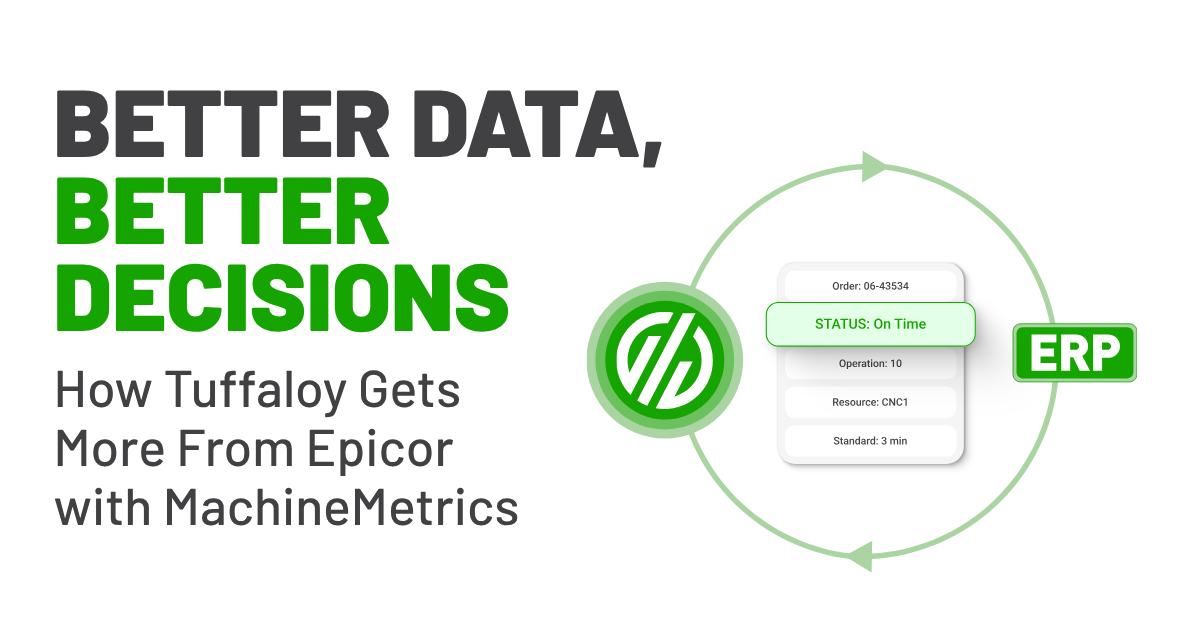
Machine data tells you whether a machine is running. It can't tell you whether the work order will ship on time, and it can't open a maintenance ticket. That takes the systems you already run — the ERP for work orders, routings, standard times, and reason codes; the CMMS for the repair. MaximaOS connects to them bidirectionally, without asking your IT team to hand over the keys to the business.
Connectors out of the box. An SDK for everything else.
Production-grade bidirectional connectors cover the ERPs discrete manufacturers actually run, with documented version support for each. Anything not on the list gets built on the ERP Connector SDK, a standardized path that turns a new connector into weeks of work instead of quarters. Labor tickets write to the ERP first and read back confirmed, so your numbers and the ERP's can't disagree.
Work orders, routings, BOMs, quantities, standard times, and reason codes flow in. Automated program matching ties machine activity to the right work order, and production and labor flow back confirmed.
CONFIGURABLE MAPPING
ERP Data Studio puts resource mapping, personnel assignment, and reason-code alignment with the people who understand the floor — role-based permissions, full audit trail, no IT ticket.
PUSH IT TO YOUR STACK
Publish to your own MQTT broker for a unified namespace, pull through REST and GraphQL APIs, or land it in Power BI. Machine data joins your data strategy instead of sitting in ours.
03 — KNOWLEDGE
CAPTURE HOW YOUR PLANT ACTUALLY RUNS
Machine signals and ERP records describe what happened. They don't explain which fixture, which offset, which machine, which trick. That knowledge lives with a handful of people, in notebooks and in memory, and every retirement takes some of it with them. KnowledgeHub gives it somewhere to live.
Documents, drawings, and the things nobody wrote down.
Load SOPs, prints, drawings, and plain text into KnowledgeHub, and build runbooks that describe how your plant runs — your processes, your equipment, your exceptions. That context is what lets our AI give an answer specific to your floor instead of a generic one, and what lets a third-shift operator resolve a fault the way your first-shift expert would.
The reason a part only runs right on one machine. The fault procedure only third shift knows. Written down once, available to everyone, retained when the person who knew it leaves.
ASK AND GET ANSWERS
Operators ask in plain language, and Max AI answers from your own documentation and history of how you run, not a generic model of a factory.
GET SMARTER EVERY SHIFT
Every resolution, note, and handover adds to what the system knows, so the plant stops resetting each time someone new walks in.
See It In Action
Hamilton Company connected 86 machines across a diverse mix of equipment, giving the team one live view of what’s running, what’s not, and what’s actually happening on the floor.86 MACHINES. ONE CONNECTED FLOOR.
KEEP EXPLORING
Connect
EVERY MACHINE. EVERY SYSTEM.
Connect directly to 1,000+ machine controllers and sync with your ERP in real time.
Learn More
OPTIMIZE
EVERY INSIGHT. EVERY METRIC.
OEE, downtime patterns, and production intelligence, automatically surfaced where decisions get made.
Learn More
EXECUTE
EVERY JOB.
EVERY SHIFT.
Close the execution gap with work orders, scheduling, and operator guidance driven by live machine data.
Learn More
Build
EVERY WORKFLOW. EVERY APP.
Build custom execution apps in days using Carbide, no custom dev engagement required.
Learn More
explore more content
case study
Driving Efficient Growth at Hamilton Company
Discover how Hamilton Company boosted productivity by leveraging MachineMetrics to increase machine output from 1,600 to 3,400 hours per machine.
Your night shift operator says a part should take 10 minutes to run. Your ERP says 5. Who do you believe? Hear how one shop unlocked faster decisions, better reporting accuracy, and a more connected operation.


.png?width=2118&height=2008&name=Frame%201000005988%20(2).png)
.svg)

.png)
.png)


.png?width=80&height=80&name=workflow%20(2).png)


.png?width=72&height=72&name=lightbulb%20(3).png)
.png?width=80&height=80&name=sparkles%20(4).png)


.png)



.png?width=1200&height=800&name=sourced-Industry%20hero%20options%20(5).png)